
 English
 Magyar
COMPUTHERM Q20 Wi-Fi
Wi-Fi thermostat
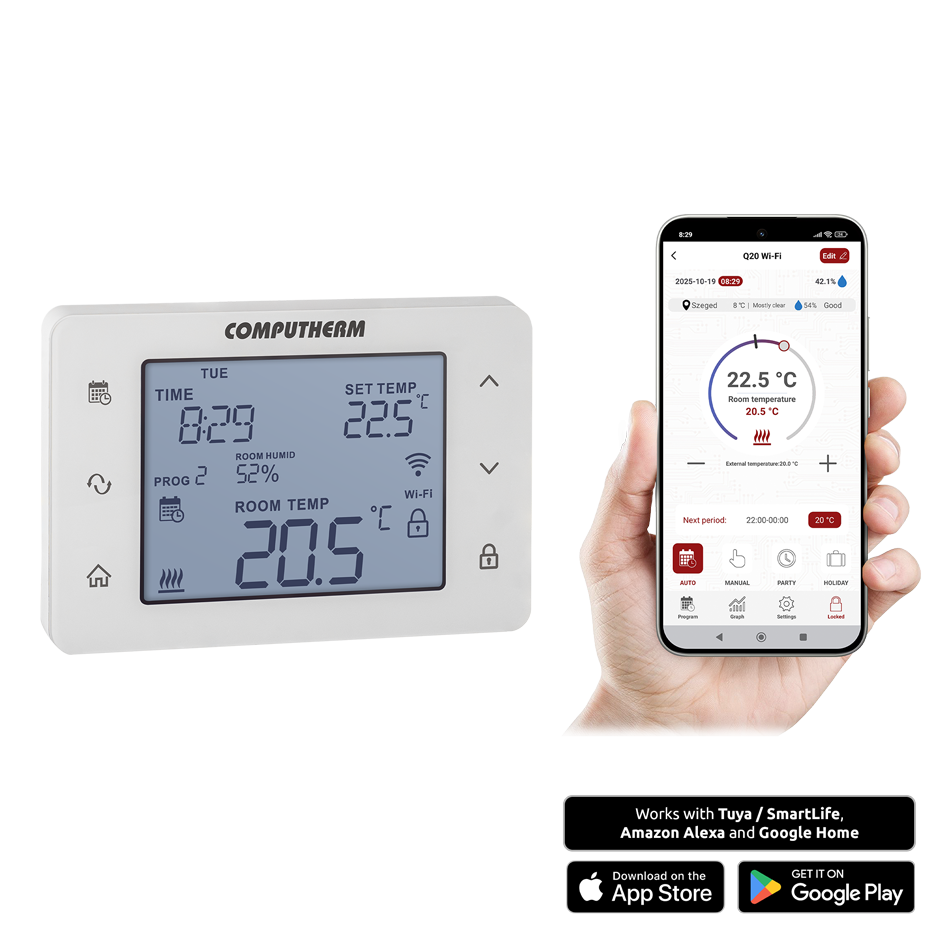
The COMPUTHERM Q20 Wi-Fi type switched-mode room thermostat is suitable to regulate the overwhelming majority of boilers and air conditioners. It can be easily connected to any gas boiler having a two-wire thermostat connection point and to any air conditioning apparatus or electrical apparatus, regardless of whether they have a 24 V or 230 V control circuit. The device can be programmed as needed so that the heating/cooling or humidifying/dehumidifying system heats/cools or humidifies/dehumidifies your apartment or office to the desired temperature or humidity at the times you want, and it contributes to the reduction of energy costs in addition to providing comfort. The thermostat can be controlled both via the Internet and through its touch-sensitive interface, and its operating status can be continuously monitored.
The simultaneous use of several COMPUTHERM room thermostats and one COMPUTHERM Q4Z or COMPUTHERM Q10Z zone controller provides the possibility for the thermostats to also control a pump or a zone valve in addition to starting the heater or cooler. This way it is easy to divide a heating / cooling system into zones, thanks to which the heating / cooling of each room can be controlled separately, thus greatly increasing comfort. Furthermore, the zoning of the heating / cooling system will greatly contribute to the reduction of energy costs, as due to this only those rooms will be heated / cooled at any time where it is required.
It is particularly recommended for locations where remote control, precise temperature and humidity measurement and control, precise switching, and programmable operation are important. The device can also be supplemented with an optional wired external temperature sensor.
Important functions:
- Remote control via the COMPUTHERM Smart application, as well as through Tuya / SmartLife, Amazon Alexa, and Google Home systems
- Selectable heating, cooling, humidifying, and dehumidifying operating modes
- Simple daily, weekly, or 5+2 day programming; recurring programs can be easily copied
- For each day, beside 1 fixed switching time, 10 freely adjustable switching times can be set, and a different temperature and humidity can be assigned to every switching time
- Ability to switch between programmed and manual modes
- Temporary manual mode: until the next program switching, for 1 to 99 hours and for 1 to 99 days
- Selectable switching sensitivity
- Possibility of temperature and humidity sensor calibration
- Switch between °C (Celsius) and °F (Fahrenheit)
- Pump protection function
- Easy switching between cooling, heating, humidification and dehumidification modes
- Humidity limit for cooling: using this function, you can set the humidity level above which the thermostat will stop cooling to prevent condensation
- Optional external temperature sensor for control or temperature limit functions
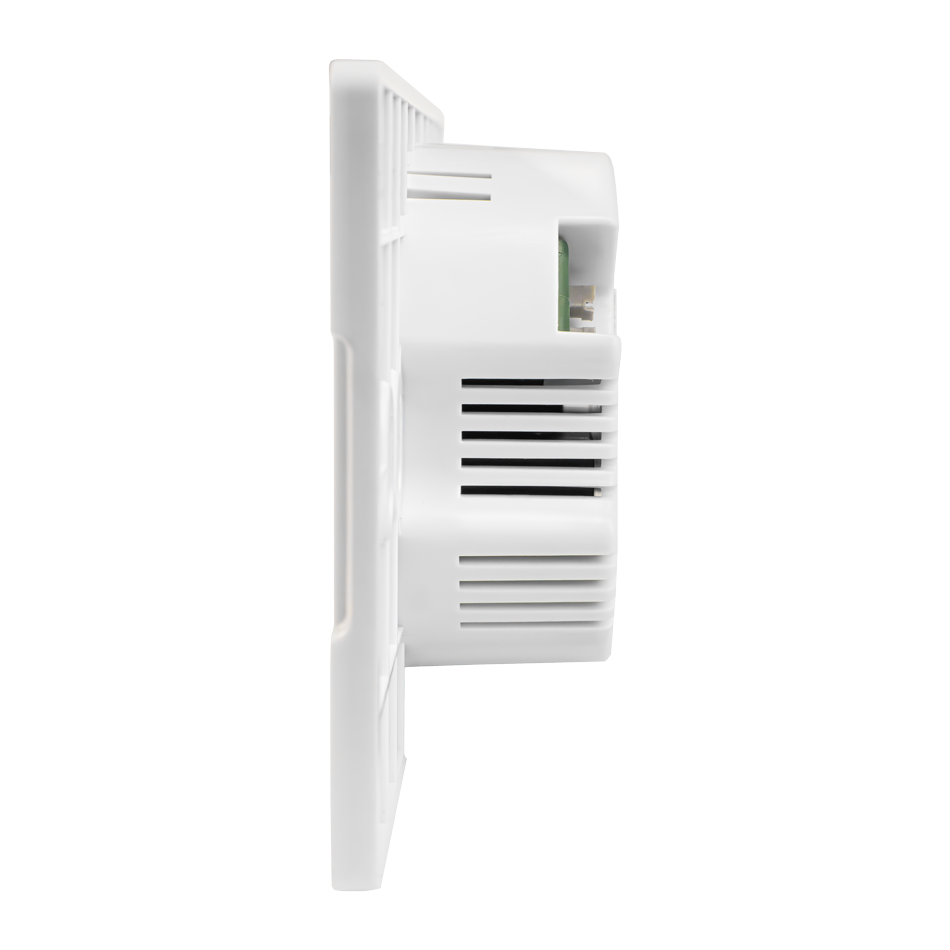
- Fits into a 65 mm electrical wall box (flush-mounted)
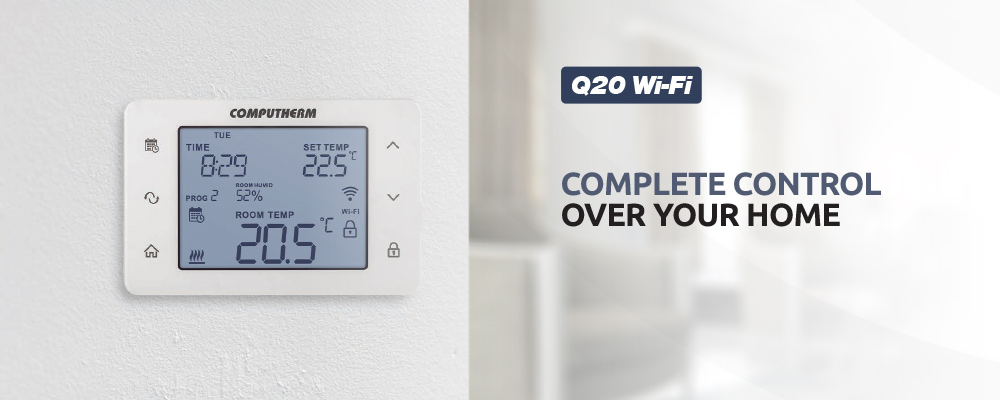
- Large backlit display with touch buttons
- Activable sound feedback when touching buttons
Technical data:
- Temperature measurement range (internal sensor): 0 to 48 °C (in 0.1 °C increments) / 32 to 100 °F (in 0.1 °F increments)
- Temperature measurement range (external sensor): -9.9 to 99.9 °C (in 0.1 °C increments) / 14 to 212 °F (in 1 °F increments)
- Humidity measurement range: 0 to 99 % RH (in 1% increments)
- Settable temperature range (internal sensor): 5 to 45 °C (in 0.5 °C increments) / 41 to 97 °F (in 0.5 °F increments)
- Settable temperature range (external sensor): 0 to 99.5 °C (in 0.5 °C increments) / 32 to 211 °F (in 1 °F increments)
- Settable humidity range: 0 to 99 % RH (in 1% increments)
- Temperature measurement accuracy: ±0.5 °C / ±0.9 °F
- Humidity measurement accuracy: ±3 % RH
- Temperature calibration range: ±3 °C (in 0.1 °C increments) / ±6 °F (in 0.1 °F increments)
- Switching sensitivity (internal sensor): ±0.1 – ±1.0 °C / ±0.2 – ±2.0 °F / ±1 – ±5 % RH
- Switching sensitivity (external sensor): ±0.1 – ±10.0 °C (in 0.1 °C increments) / ±0.2 – ±18 °F (in 0.2 °F increments)
- Switchable voltage: max. 30 V DC / 250 V AC
- Switchable current: 8 A (2 A inductive load)
- Operating frequency: Wi-Fi (b/g/n) 2,4 GHz
- Power supply: 230 V AC, 50 Hz
- Protection against environmental impacts: IP30
- Compatible external sensor type: NTC 3950 K 10 kΩ (at 25 °C)


Download the most important documents related to the product


To control this product Download the the COMPUTHERM Smart app for free from here:


- What purpose can the COMPUTHERM Q20 Wi-Fi room thermostat be used for?
-
The COMPUTHERM Q20 Wi-Fi room thermostat has been specifically designed to control heating and cooling systems. In addition, the thermostat is also suitable for controlling electrical and electronic devices which can be turned on and off by interrupting and resuming power supply.
- What means lettering LO or HI that appears in place of the measured temperature on the display?
-
It is expedient to locate the thermostat on the wall of a room where you stay regularly or a long period of time so that the thermostat is oriented in the direction of the natural ventilation of the room but is not exposed to draught or extreme heat (e.g. sunlight, refrigerator, chimney, etc.). Do not use in wet, chemically aggressive or dusty environment. Its optimal location is at a height of 0.75-1.5 m from the floor level.
-
Where to locate the thermostat?
-
It is expedient to locate the thermostat on the wall of a room where you stay regularly or a long period of time so that the thermostat is oriented in the direction of the natural ventilation of the room but is not exposed to draught or extreme heat (e.g. sunlight, refrigerator, chimney, etc.). Do not use in wet, chemically aggressive or dusty environment. Its optimal location is at a height of 0.75-1.5 m from the floor level.
-
How to connect the thermostat?
-
The appliance must be installed / put into service by a competent person. The device to be controlled should be connected to 1-2 connection points located on the back side of the receiver unit. For a more detailed description please refer to the Instruction Manual of the product.
-
What type of appliances can be controlled by COMPUTHERM Q20 Wi-Fi?
-
COMPUTHERM Q20 Wi-Fi type switching-mode room thermostat is able to control vast majority of the boilers and air-conditioning equipment available on the Hungarian market. It can be easily connected to any gas boiler having a two-wire thermostat connection point and to any air conditioning apparatus or electrical apparatus, regardless of whether they have a 24 V or 230 V control circuit. In addition, the thermostat is also suitable for controlling electrical and electronic devices which can be turned on and off by interrupting and resuming power supply.
-
Is there a need for 230 V power supply for the operation of the thermostat?
-
Yes. The thermostat operates on mains voltage.
-
Can Q20 Wi-Fi be used for air-conditioning equipment?
-
Yes. You can switch between heating and cooling modes of the thermostat. According to the selected switch sensitivity, in cooling mode the thermostat will turn on the air-conditioning equipment above the set temperature and turn it off below this temperature.
-
How to switch the thermostat into cooling mode?
-
You can enter the setting menu of the thermostat by pressing the
 button for 2 seconds. Then the continuously illuminated time and the flashing English abbreviation of the relevant day (Monday: MON; Tuesday: TUE; Wednesday: WED and so on) appear on the screen. In the setting menu you can modify the current setting with buttons
  and
and  and touching the
  button you can move to the next setting. You can easily switch between heating (HEA; factory default setting), cooling (COO), humidifying (HUM) and dehumidifying (DEH) modes.
 - What should I do when the appliance switches but 230 V mains voltage does not appear at its output?
-
The appliance has potential free (voltage free) output connection points therefore 230 V voltage normally does not appear at its outputs, it only links the two connected wires or disrupts the connection between them. If you want 230 V voltage to appear at the output of the appliance when it is switched off then you have to connect a mains phase wire to connection point 1 or 2 of the appliance according to the Instruction Manual. Before connection the phase wire must be de- energized and the connection must be carried out by a competent person.
-
Why does the thermostat not switch the heating system?
-
There are various reasons for this. The most frequently encountered problems are: incorrect connection (which, in unfortunate cases, can destroy the relay in the appliance or the electronic system of the controlled device)
- What should I do if I am of the opinion that the thermometer of the thermostat measures inaccurately?
-
You can enter the setting menu of the thermostat by pressing the
button for 2 seconds. Then the continuously illuminated time and the flashing English abbreviation of the relevant day (Monday: MON; Tuesday: TUE; Wednesday: WED and so on) appear on the screen. In the setting menu you can modify the current setting with buttons and and touching the button you can move to the next setting. The name of the setting is T CALIB.The accuracy of the thermometer of the thermostat is ±0,5 °C. The temperature displayed by the thermostat can be modified by maximum ±3.0 °C / ±6,0 °F compared to the temperature measured by the temperature sensor, in increments of ±3.0 °C / ±6.0 °F or 0.1 °C / 0.1 °F.
-
Where you can buy it?
-
Search this product at our reseller partners. The list of our reseller partner is available at the following link: Partners
- Where you can find the Instruction Manual of the appliance?
-
Installing and operating instructions for the Q20 Wi-Fi thermostat are available at the following website: Instruction Manual
- How is default setting of the appliance restored (reset)?
-
To restore the thermostat to its factory default settings, go to the “RESET” function in the settings menu, select the “RES” option, and press the
button to confirm. This will restore all thermostat settings - including Wi-Fi configuration - to factory defaults.
You can also reset the device from within the app’s settings menu; this method restores the thermostat’s parameters without disconnecting it from the Wi-Fi network, so re-pairing is not required. - What should you do if your Wi-Fi router’s signal is weak and the Q20 Wi-Fi is out of range?
-
If possible, move your router closer to the Q20 Wi-Fi device. Alternatively, you can place a Wi-Fi signal extender (repeater) between the router and the Q20 Wi-Fi thermostat to increase the effective range of the router’s signal.
- What should you do if you experience problems with the Wi-Fi connection?
-
If the device cannot be controlled via the Internet - meaning the app displays the message “Device unavailable” and the thermostat does not respond to commands—communication between the product and the online control interface has been interrupted.
This can have several causes, but the most common issue is related to the Wi-Fi router. It is recommended to restart the router by turning off its power supply and then turning it back on. In most cases, this resolves the problem.If, after a few minutes, the device is still unavailable, try reconnecting the product to the Wi-Fi network according to the steps described in the user manual.
If the connection is successful but the device remains inaccessible, reset the router to factory settings, as custom configurations may be preventing Internet access.While the thermostat is unavailable online, it can still be operated manually using the buttons on the device.
- What should you do if the thermostat is accessible locally via Wi-Fi but not remotely (from another Wi-Fi or mobile network)?
-
In such cases, some settings on the service provider’s router may need to be adjusted, as certain configurations can block inbound or outbound communication. Common causes include:
Firewall or security level settings:
The default or customized security level may be too high. Try reducing it slightly and attempt to reconnect.NAT network (Carrier-grade NAT):
Some Internet providers assign a shared public IP address to multiple subscribers. This setup limits inbound connections from the Internet to your local network. Disabling carrier-grade NAT (if supported by your provider) can resolve the issue.These adjustments can be made through your router’s local configuration interface.
To access it, use the HTTPS address printed on the router’s label, log in with the Admin username and password shown there, and modify the relevant settings.
If you are unsure how to proceed, contact your Internet service provider’s customer support via phone or email for assistance. - How does the product continue to work after a power outage?
-
The device cannot function without power, but it retains its settings in memory.
After power is restored and the correct time and date are set (if automatic time setting is disabled), the thermostat resumes operation according to the previously stored configuration and mode.If the device is used in an environment where power interruptions are frequent, it is recommended to regularly check the thermostat's proper operation for safety and reliability.