
 English
 Magyar
COMPUTHERM
Q72RF (TRV)
Special wireless (radio-frequency) thermostat for controlling actuators (without receiver unit/actuator)
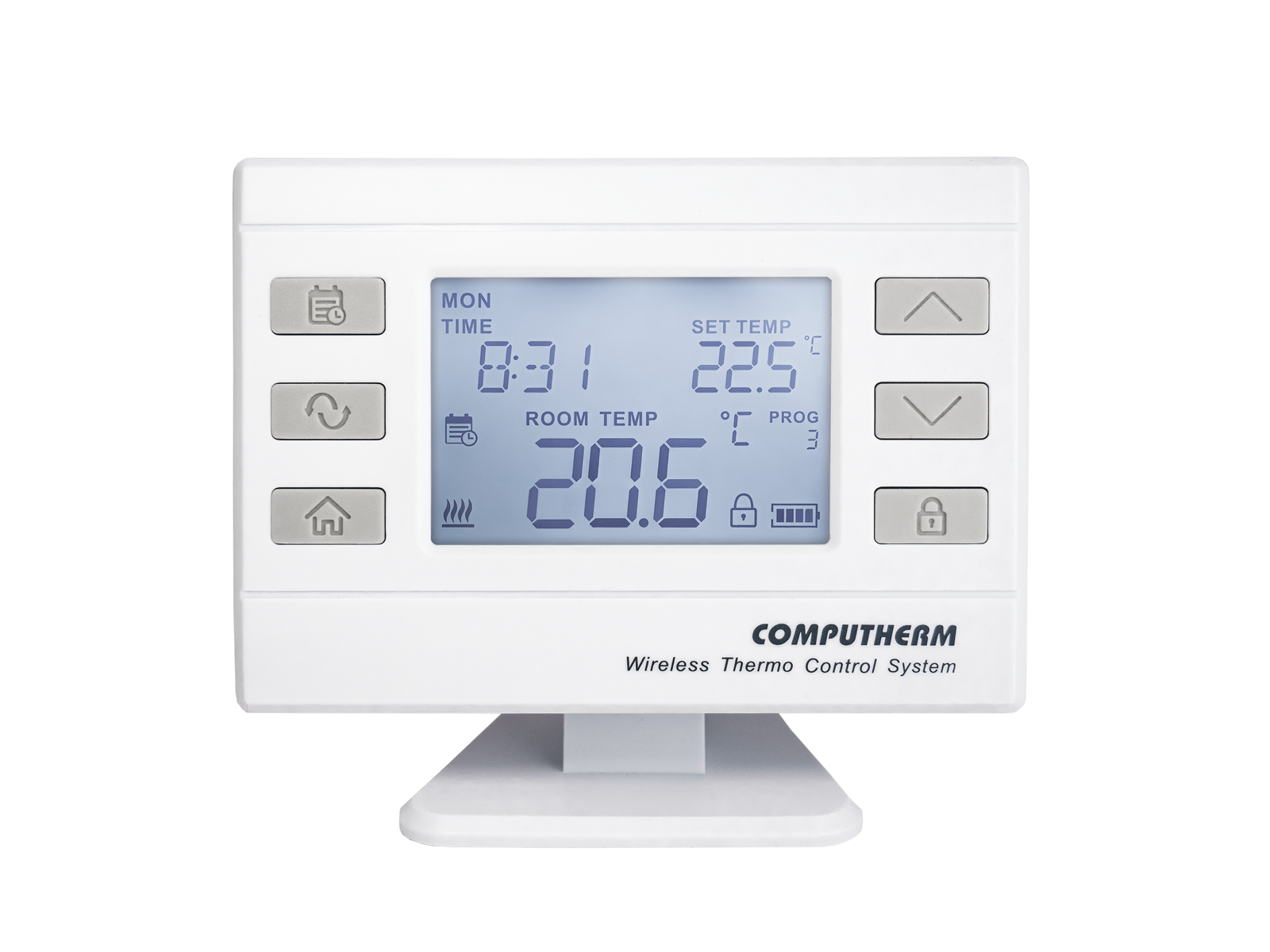
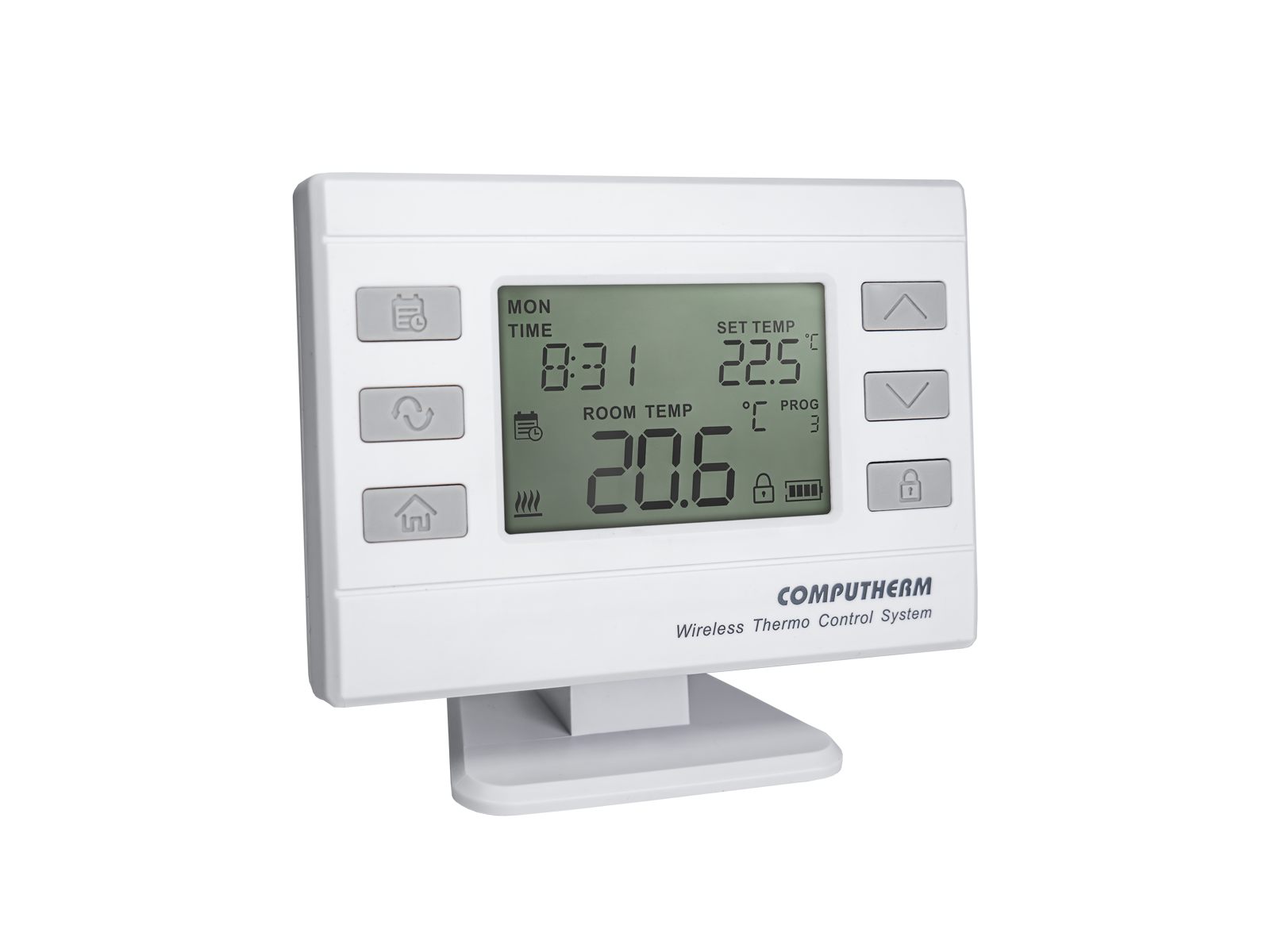
The COMPUTHERM Q72RF (TRV) is a special wireless room thermostat designed to control the COMPUTHERM Q12RF actuator (not included). It can also control other wireless devices in the COMPUTHERM Q series.
The thermostat regulates the actuator, which (using a connector nut and the included adapters) can be mounted on a radiator valve to open or close it. It is particularly recommended for locations (such as apartments with district heating or systems without individually controlled manifolds) where the heating device cannot be directly controlled but independent temperature regulation of the rooms is required, enhancing comfort and reducing energy costs.
The thermostat can be freely moved within the transmission distance, and the connection to the receiver is ensured by a wireless (radio frequency).
We recommend using it in places where there is a need for programmability, furthermore portability, accurate temperature measurement, accurate temperature setting and switching sensitivity is important.
If required, the device can be extended with a COMPUTHERM Q1RX wireless thermostat-controlled socket. It can also be extended with a COMPUTHERM Q2RF signal repeater if a greater distance and/or reinforced concrete slab(s) need to be bridged.
Important functions:
- Portable
- Separate independent daily programs can be created for each day of the week
- For each day, beside 1 fixed switching time, 10 freely adjustable switching times can be set, and a different temperature can be assigned to every switching time
- Use of manual modes
- Temporary manual mode: until the next program switching, for 1 to 99 hours and for 1 to 99 days
- Selectable switching sensitivity
- Calibration of internal thermometer
- Switch between °C (Celsius) and °F (Fahrenheit)
- Pump protection function
- Easy switching between cooling and heating modes
- The thermostat’s large display is equipped with an activable backlight, the brightness of which can be configured
Technical data of the thermostat (transmitter):
- Temperature measurement range: 0 to 45 °C (in 0.1 °C increments) / 32 – 100 °F (in 0.1 °F increments)
- Adjustable temperature range: 5 to 40 °C (in 0.5 °C increments) / 41 – 97 °F (in 0.5 °F increments)
- Temperature measurement accuracy: ±0.5 °C / ±0.9 °F
- Temperature calibration range: ±3 °C (in 0.1 °C increments) / ±6 °F (in 0.1 °F increments)
- Optional switching sensitivity: ±0.1 °C - ±1.0 °C / ±0.2 °F - ±2.0 °F
- Battery voltage: 2 x 1.5 V AA ALKALINE batteries (LR6 type)
- Operating frequency: 868.35 MHz
- Transmission distance: approx. 50 m in an open terrain


 Visit for helpful videos
and subscribe to the YouTube channel!
- What purpose can the COMPUTHERM Q72RF room thermostat be used for?
-
The COMPUTHERM Q72RF (TRV) is a special wireless room thermostat designed to control the COMPUTHERM Q12RF actuator (not included). It can also control other wireless devices in the COMPUTHERM Q series.
-
What type of battery should be used for the thermostat?
-
Two 1.5 V alkaline batteries (type: LR6, size: AA) are required for the operation of the appliance. Only good quality alkaline batteries may be used. Other batteries known as durable or long life batteries (conventional carbon-zinc batteries), half dead batteries and chargeable accumulators are not suitable for the operation of this appliance.
-
What is the expected lifetime of the batteries when they are used for the thermostat?
-
In normal use the expected lifetime of the batteries is approx. 1.5 to 2 years.
- What means lettering LO or HI that appears in place of the measured temperature on the display?
-
It means that the temperature measured by the appliance falls outside the measurement range of the temperature sensor: LO indicates that the temperature is too low, while HI shows that the temperature is too high. This may occur when the appliance is in an extremely cold or warm environment or the temperature sensor suffers a physical damage (e.g. it gets crushed with the effect that the two pins of the temperature sensor touch or the temperature sensor breaks off) or the temperature sensor becomes defective for some other reason.
-
Where to locate transmitting and receiving units of the thermostat?
-
It is expedient to locate the thermostat on the wall of a room where you stay regularly or a long period of time so that the thermostat is oriented in the direction of the natural ventilation of the room but is not exposed to draught or extreme heat (e.g. sunlight, refrigerator, chimney, etc.). Do not use in wet, chemically aggressive or dusty environment. Its optimal location is at a height of 0.75 - 1.5 m from the floor level. The appliance can easily be snapped onto its base and then placed on any horizontal surface (e.g. table, shelf, top of a commode) or, using the screw holes on the back side, can be mounted to a wall as well.
- Is there a need for 230 V power supply for the operation of the thermostat?
-
It is not needed for the operation of the transmitting unit of the thermostat, you only need two 1.5 V alkaline batteries (type: LR6, size: AA) for this purpose.
-
Will several wireless room thermostats used in the same flat not disturb each other’s operation?
-
No. Each thermostat and accompanying receiving unit(s) has its own security code which ensures reliable and trouble-free operation of the appliances. Each receiving unit receives signals only from the thermostat that has the same security code. As a result, practically unlimited number of appliances can be used in the immediate vicinity of each other without causing any problem in the communication between the devices.
-
How to switch the thermostat into cooling mode?
-
Out of the buttons located on the front panel of the thermostat press once the
 button briefly then press the SET button again and hold it down and in the meantime press the COPY button briefly. Now lettering HEAT or COOL appears on the display to indicate the selected mode. Then you can switch between operating modes with +/- buttons.
 -
Why does the thermostat not switch the heating system?
-
Ennek több oka is lehet. A leggyakrabban előforduló problémák:
● nem megfelelő elem (pl. lemerült, vagy nem alkáli elem) használata
● bizonytalan rádiófrekvenciás kapcsolat (részletesen lásd lentebb)
● az adóegységet és az állítóművet/vevőegységet valaki széthangolta, és azokat újra össze kell hangolni (az újrahangolás lépései megtalálhatók a kezelési útmutatóban) -
Mi okozza a bizonytalan rádiófrekvenciás kapcsolatot?
-
There are various reasons for this. The most frequently encountered problems are:
- unsuitable batteries (e.g. dead batteries or non-alkaline batteries) are being used
- incorrect connection (which, in unfortunate cases, can destroy the relay in the appliance or the electronic system of the controlled device)
- unstable RF connection (see details below)
- somebody has desynchronized the receiving and transmitting units and they should be resynchronized (the steps of resynchronization are described in the Instruction Manual).
-
How will the appliance continue to operate after a power outage?
-
After power supply is restored, at the beginning the output of the receiving unit is always in off mode. However, since the transmitting unit repeats its current switch command every 5 minutes, the control of the heating/cooling system will return to the mode set earlier after 5 minutes at the latest.
-
What should I do when the transmitter does not communicate with the receiver or this communication is unsteady?
-
There may be several reasons why the transmitter does not communicate with the receiver or this communication is unsteady. To solve the problem, we recommend that you adopt the following proposals:
- Replace the battery in the transmitting unit of the thermostat. Remember that only good quality alkaline batteries may be used for the appliance. Other batteries known as durable or long life batteries (conventional carbon-zinc batteries), half dead batteries and chargeable accumulators are not suitable for the operation of this appliance.
- Check whether the two units have been synchronized. If the two units fail to communicate even when they are very close to each other then they should probably be resynchronized according to the Instruction Manual.
- Place the transmitter and actuator/receiver of the thermostat closer to each other or put a COMPUTHERM Q2RF signal booster plug preferably at a point midway between the two units, if you think that they are too far apart.
- Check that the receiving and transmitting units of the thermostat have been installed in accordance with the specification. If not, relocate them according to the Manual (see above for details).
- Avoid using certain RF devices that transmits stronger than normal in the vicinity of the appliance (certain baby monitors and wireless headphones, as our experience indicates).
-
Can a single thermostat be synchronized with several receiving units simultaneously?
-
Yes. COMPUTHERM wireless thermostats are able to control several RF units simultaneously, including Q1RX plug, Q3RF and Q7RF receiving units. To establish a connection put the receiving units into synchronization mode then press and hold the SET and Day buttons on the Q7RF until LEDs on the receiving units stop blinking.
-
What should I do if I am of the opinion that the thermometer of the thermostat measures inaccurately?
-
You can enter the setting menu of the thermostat by pressing the
button for 2 seconds. Then the continuously illuminated time and the flashing English abbreviation of the relevant day (Monday: MON; Tuesday: TUE; Wednesday: WED and so on) appear on the screen. In the setting menu you can modify the current setting with buttons  and
and  and touching the
  button you can move to the next setting. The name of the setting is T CALIB.
The accuracy of the thermometer of the thermostat is ±0,5 °C. The temperature displayed by the thermostat can be modified by maximum ±3.0 °C / ±6,0 °F compared to the temperature measured by the temperature sensor, in increments of ±3.0 °C / ±6.0 °F or 0.1 °C / 0.1 °F.
-
Hol tudja megvásárolni?
-
Search this product at our reseller partners. The list of our reseller partner is available at the following link: Partners.
- Where you can find the Instruction Manual of the appliance?
-
Installing and operating instructions for the Q20RF thermostat are available at the following website: Instruction Manual.
- How is default setting of the appliance restored (reset)?
-
To restore factory default setting choose option “RES” at “RESET” function in the setting menu and move on with the
button.